How to add Google Sheets data to business dashboard
How to add Google Sheets data to business dashboard
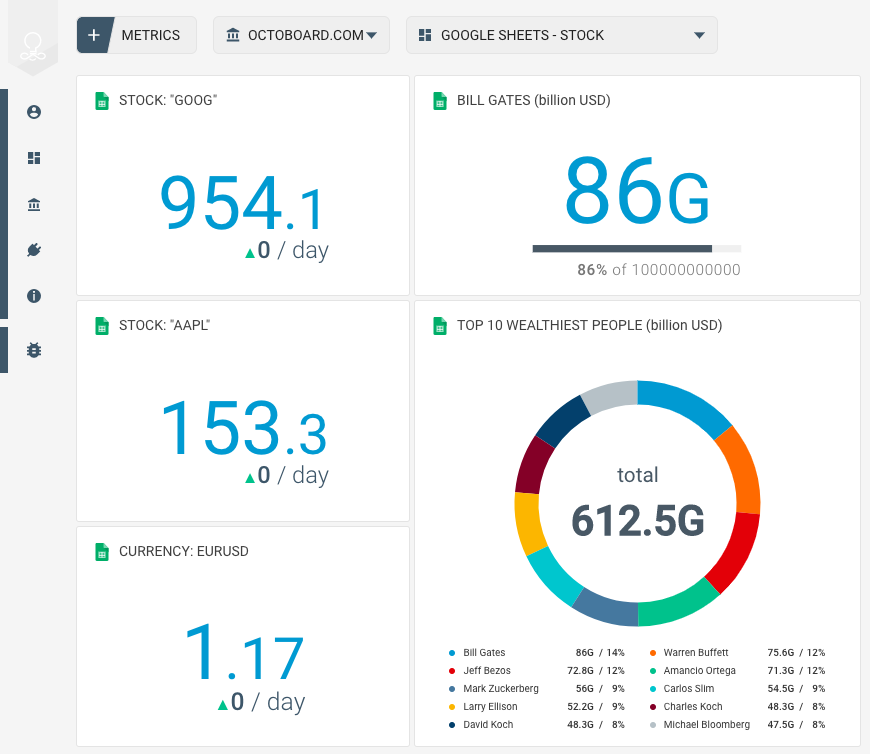
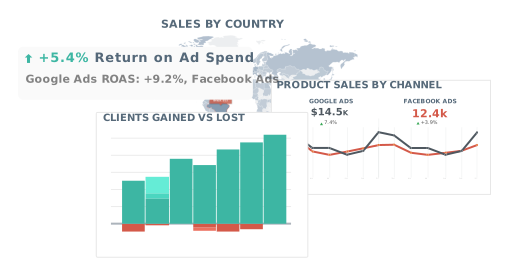
With Octoboard you can display your Google Sheets content in a business performance dashboard and combine it with other data sources such as Web Analytics, Paid Advertising, Sales of Finance.
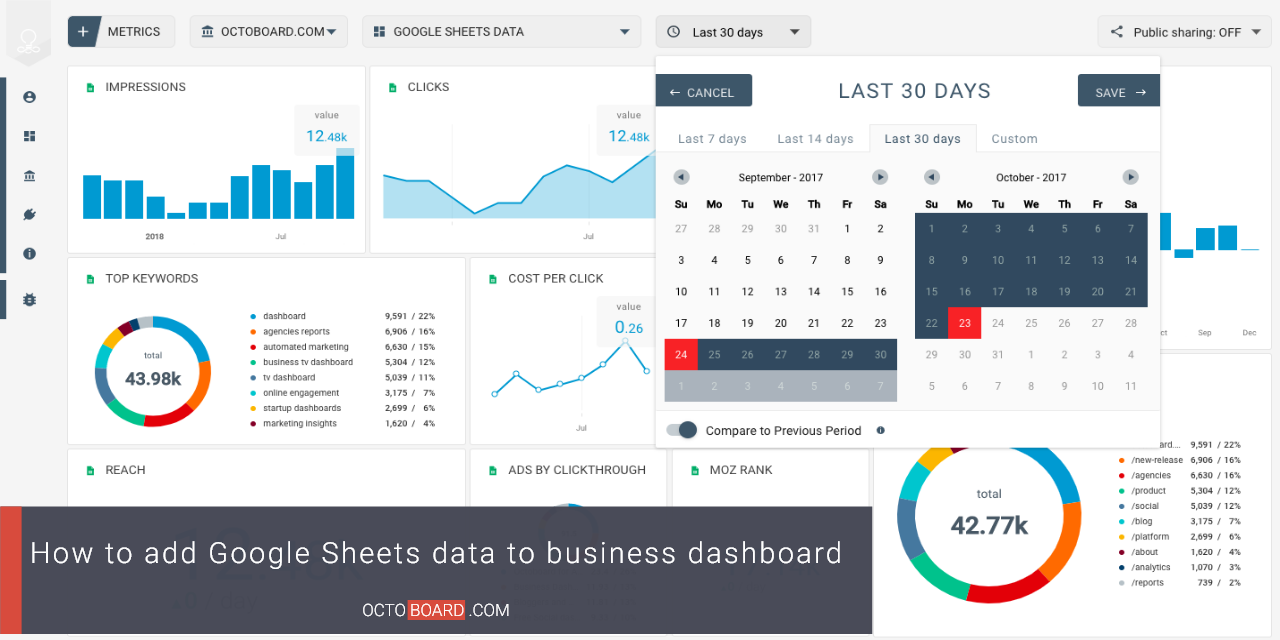
In Octoboard you can connect to any Google Sheets document and show your data in graphs, pie charts and tables. We support the following data types:
- Single numeric value displays (with optional historic value tracking)
- Data ranges - displayed in graphs
- Category data - displayed in pie charts, tables or funnels.
Here is how new Google Sheets integration works in Octoboard.
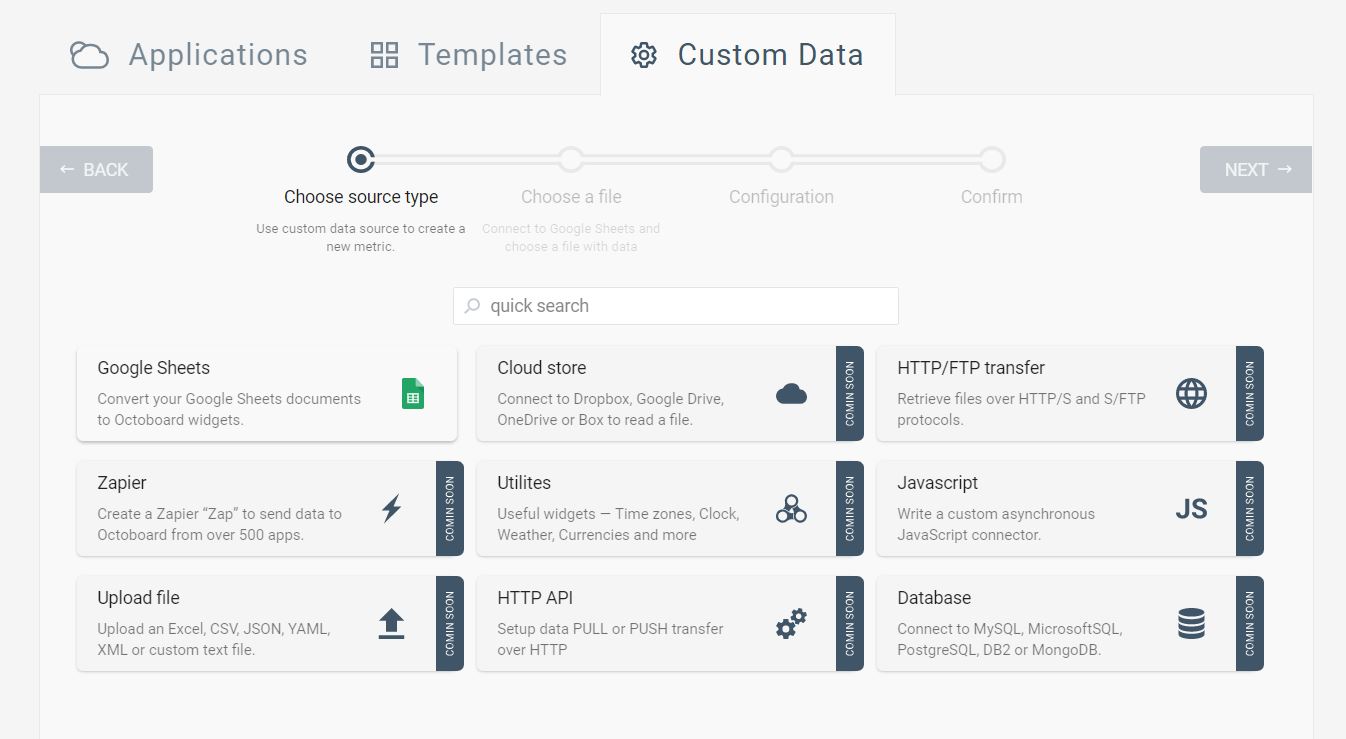
Access Google Sheets wizard pressing ADD METRIC button and selecting "CUSTOM DATA" tab.
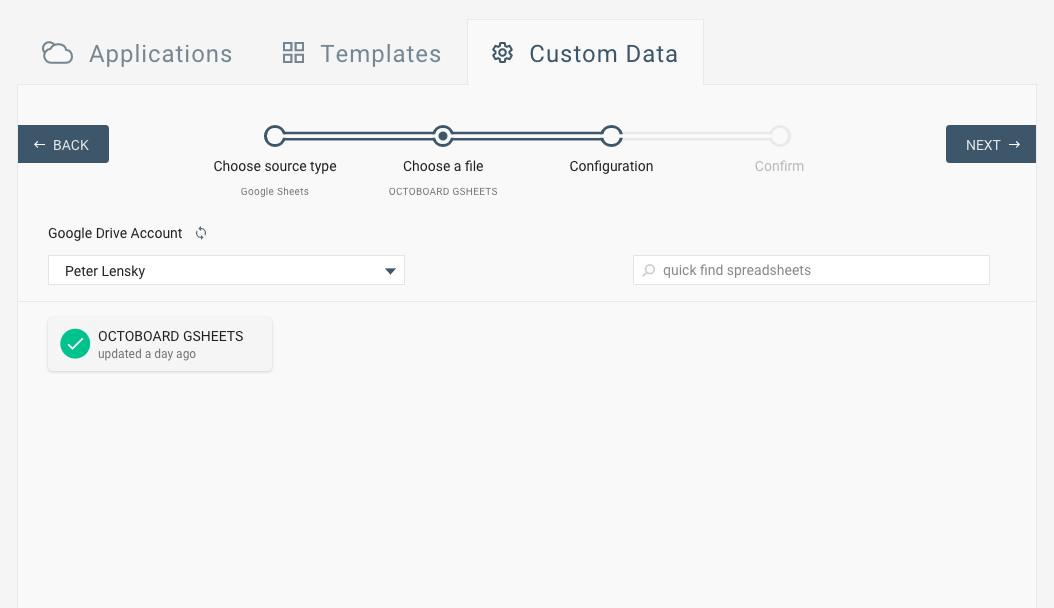
- Select your Google account or add a new account
- Provide your Google account login details
- Select a Google Sheets document
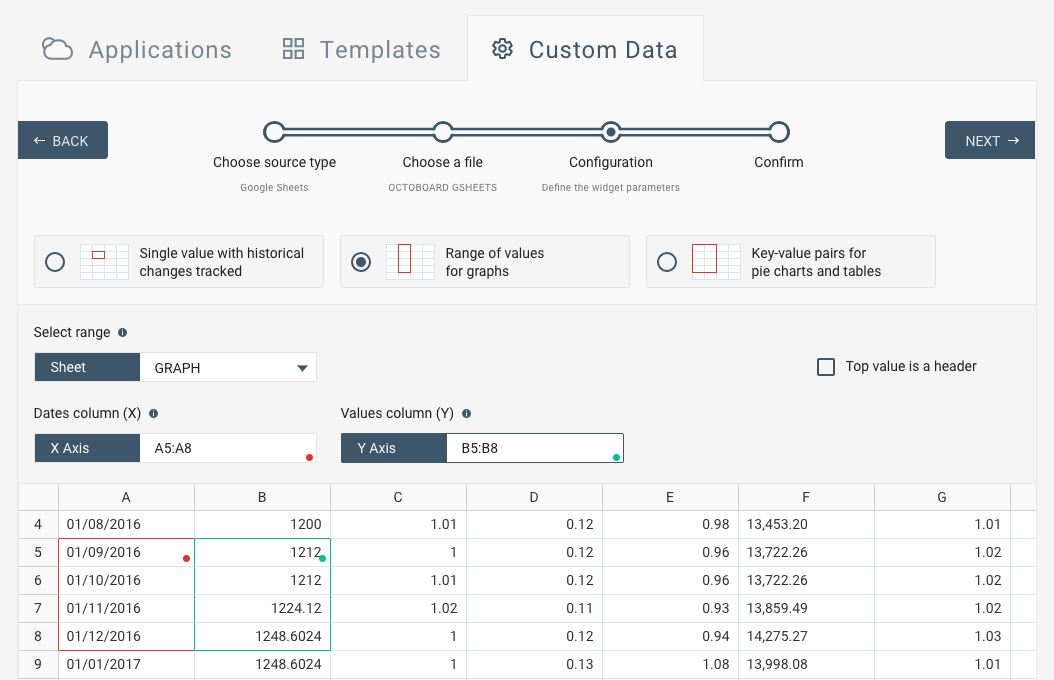
With our multiple options to visualize your data, there are always many ways to look at your data.
Your data from Google Sheets can be presented differently
You can also switch (change) presentation of widgets in the dashboard - use "SWITCH" menu item. Select your data first and visualize any time later. A video How-to on configuring your widget after you add it in a dashboard is here.
- You can combine data from Google Sheets with your performance metrics from over 50 business data sources
- Every member of your team can have access to it
- You keep your team focused on performance figures
- Easy to use by team members - no IT support required
- Octoboard dashboards are free for most uses, premium plans start from just 15 USD