How to add YouTube data to Marketing Agency client report

How to add YouTube data to Marketing Agency client report
YouTube is a perfect marketing channel for your client’s product. Videos are a great way of communicating ideas and, of course, selling. Marketing Agency clients want to see how their YouTube channel is working for them. Sending automated client reports every two weeks or monthly is an absolute must for any successful marketing agency today. That is where Octoboard Marketing Agency reports step in and help agencies save a lot of time per client by using YouTube data reports.
Here is how Marketing Agencies can automate the process of creating client reports.
Octoboard dashboards and templates allow you to have all the data not only at hand, but also generated as a report for clients of Marketing Agencies and sent automatically to them. Such way of representation of data helps Marketing Agencies and their clients get actionable insights out of information and make right business decisions.
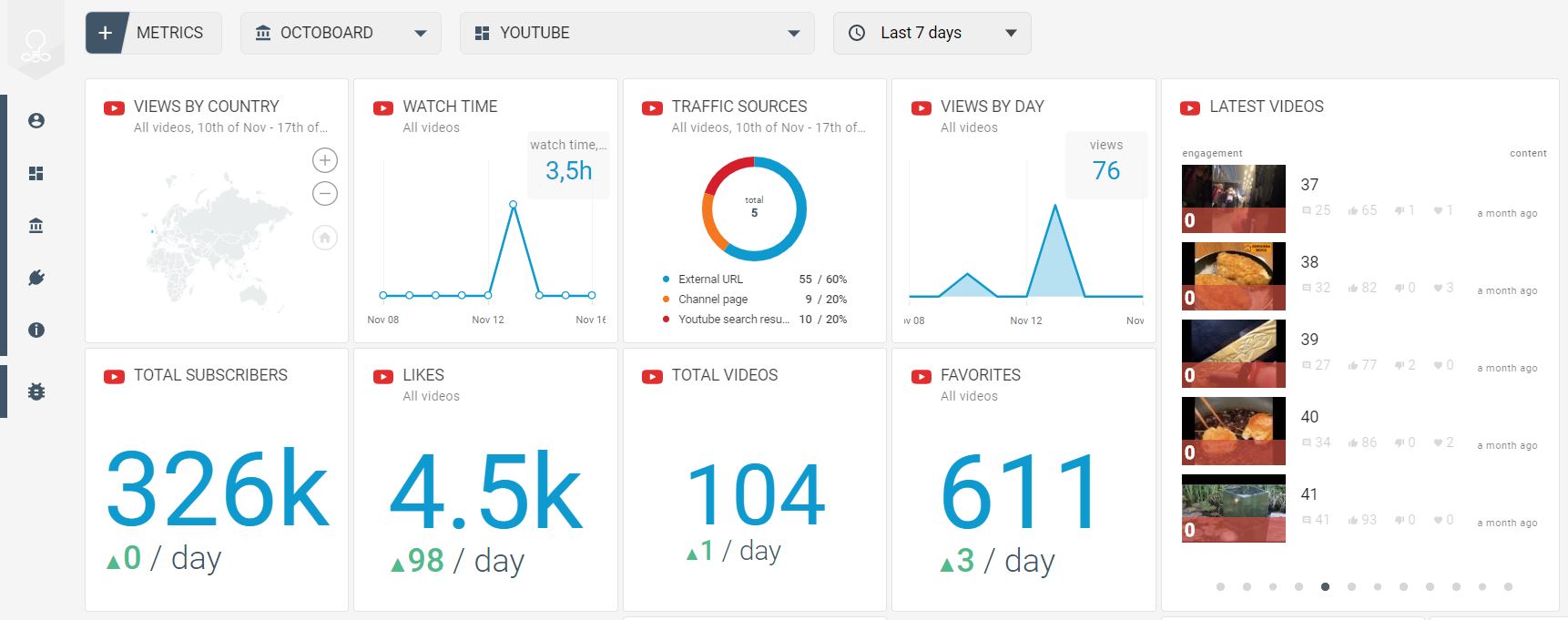
Tracking your client’s YouTube channel or videos is very easy - go to Octoboard, connect your client’s YouTube account and press “Go”. Just 1 minute and that's it! Sending reports is even easier - select a ready-made template and click “Send”.
To measure your client’s YouTube Activity:
LATEST VIDEOS and TOP VIDEOS widgets where your client’s most recent and popular videos are sorted by Engagement (likes, comments and shares)
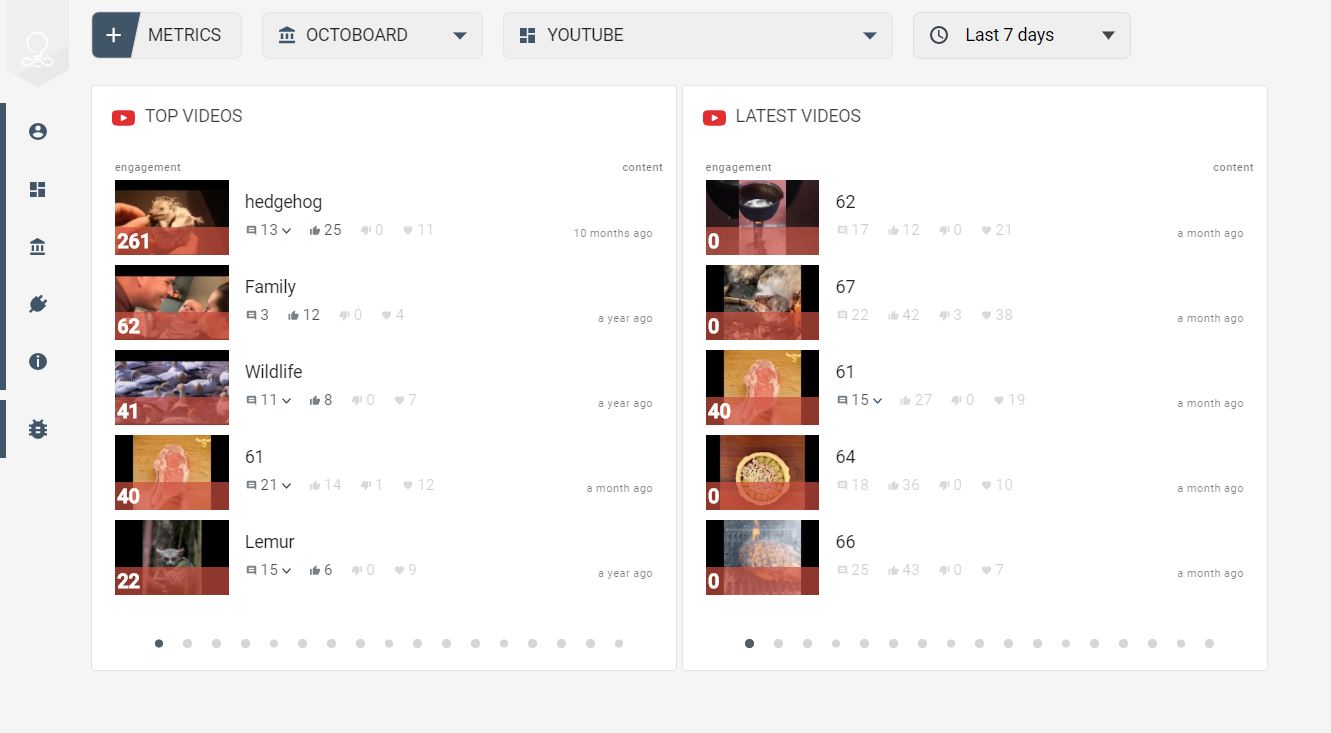
To track your client’s visitor Engagement in Youtube content:
ENGAGEMENT, ENGAGEMENT RATE widgets with a detailed description of user actions (likes, shares, comments and favorites)
To see whether your client’s YouTube videos are gaining popularity:
TOTAL SUBSCRIBERS, WATCH TIME, SUBSCRIBERS GAINED AND LOST, TOTAL VIDEOS, VIEWS BY DAY, TOTAL VIEWS, VIEWS BY COUNTRY, TRAFFIC SOURCES, AGE AND GENDER, COMMENTS, LIKES, FAVORITES, SHARES, VIEW DURATION
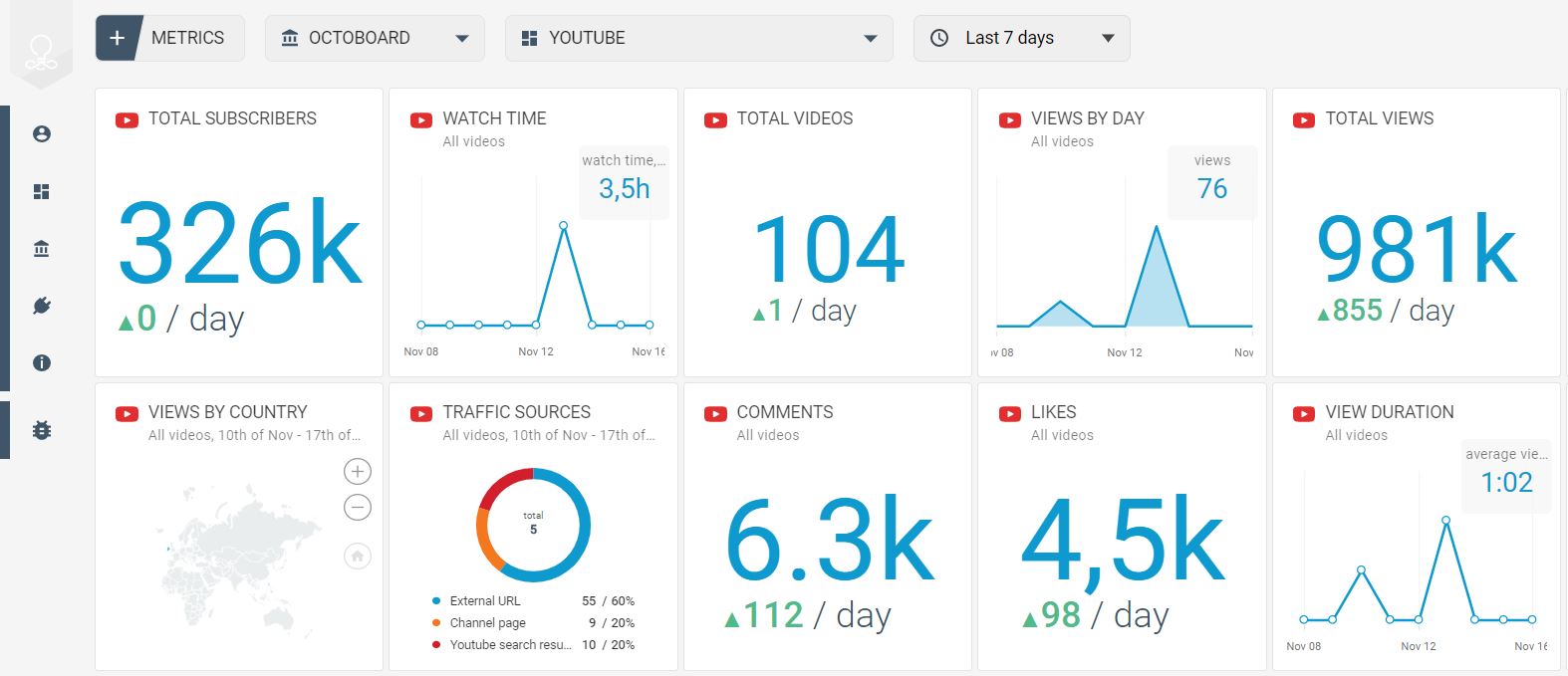
YOUTUBE OVERVIEW TEMPLATE
Link: https://www.octoboard.com/social-media-reporting-tool/youtube-automated-reports
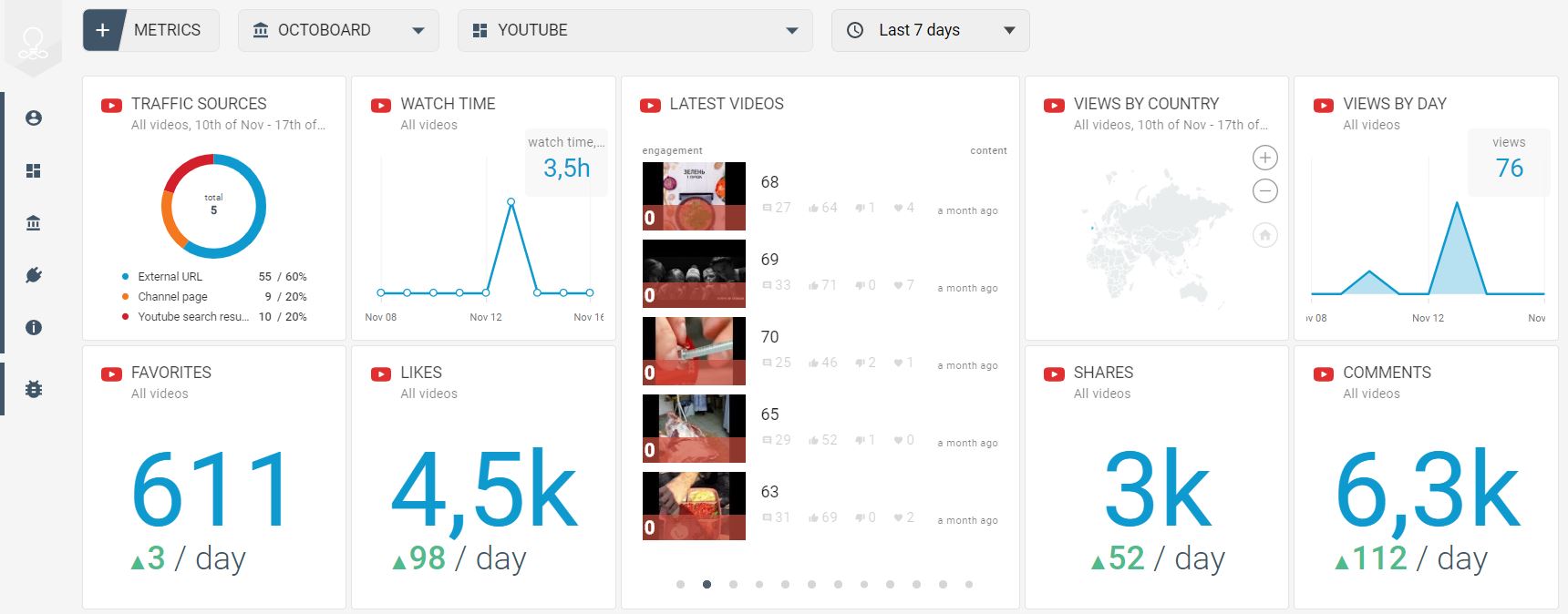
Metrics to track your client’s YouTube popularity are already grouped in this template.
YOUTUBE ENGAGEMENT REPORT AND TEMPLATE
Link: https://www.octoboard.com/social-media-reporting-tool/youtube-automated-reports

Metrics to monitor your client’s user Engagement (likes, comments, shares, favorites). You can easily turn this template into a YouTube Engagement report for Marketing Agencies. You can schedule the report for automatic generation and sending to clients.