How to create Marketing Agency report with ActiveCampaign data

How to create Marketing Agency report with ActiveCampaign data
Email marketing is one of the most effective forms of business communication. A well-executed email campaign can help increase sales and generate leads.
Like any other form of online marketing, email marketing data is reported to the Agency clients. Keeping clients up-to-date about the campaign’s progress is very important. It builds trust and shows the efforts that go into the ultimate goal - building an engaging audience and driving revenue.
Unfortunately, creating reports for clients is time-consuming. Luckily, there are automated reporting tools like ours that save businesses and marketing agencies a lot of time and effort.
In this quick guide, we will show you how to create reports quickly using ActiveCampaign data - one of the leading email marketing platforms.
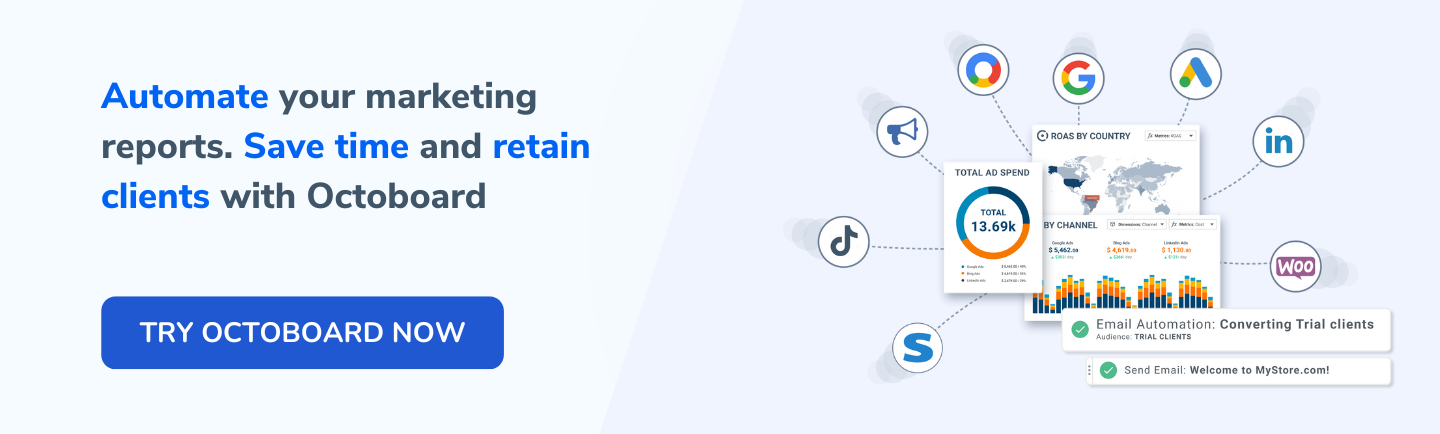
Here is how to build automated reports quickly with Octoboard - a client marketing reporting platform used by thousands of agencies around the world.
1. Go to Octoboard and create your account - it is free!
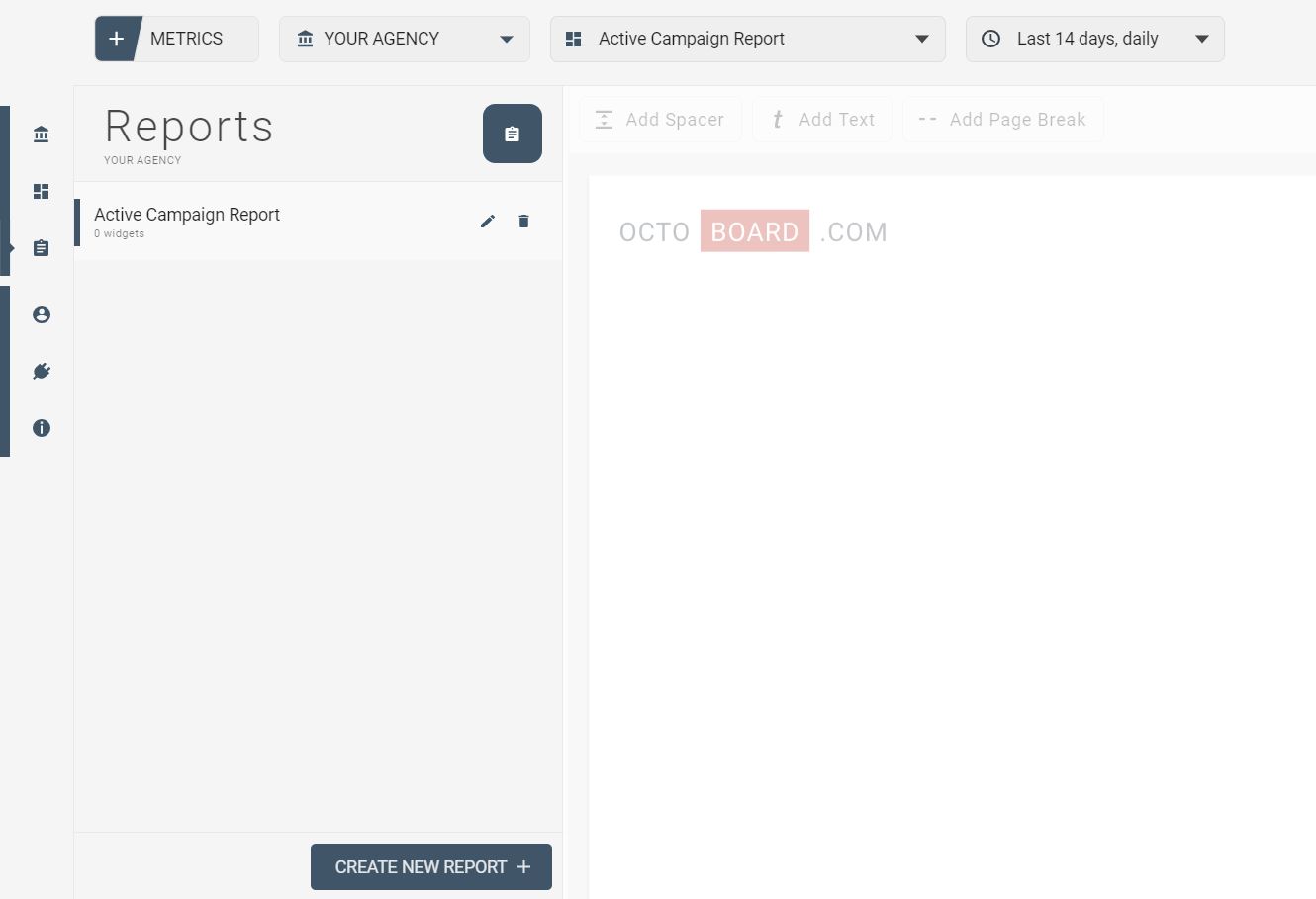
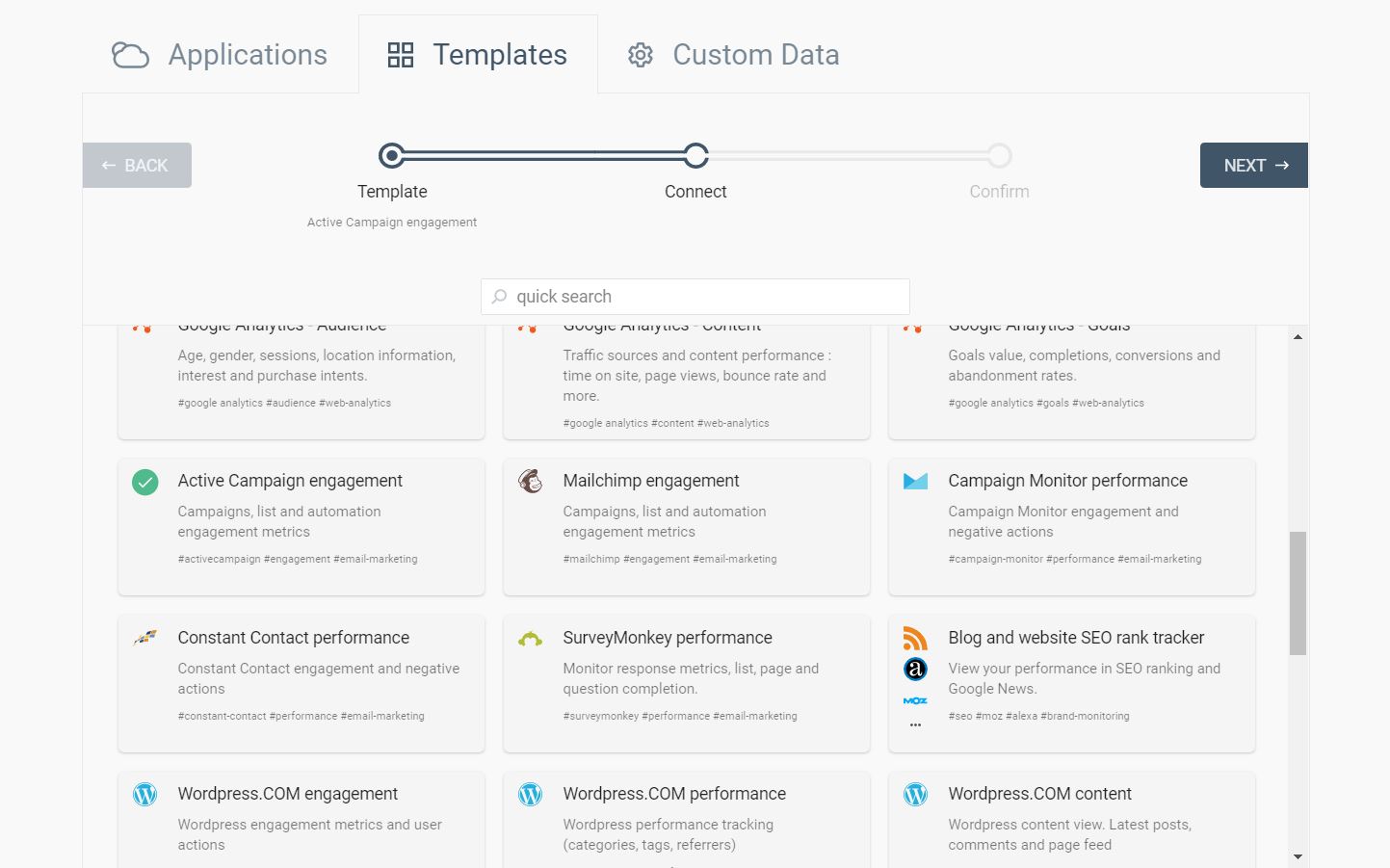
You can either select an ActiveCampaign application and pick the specific metrics yourself or click on ‘Templates’ and select a ready-made ActiveCampaign Engagement template where metrics are carefully selected by our Email-Marketing specialists. This way you save time as you don’t have to pick the metrics yourself. If you are unsure which metrics to pick, please visit our quick guide to ActiveCampaign metrics with descriptions.
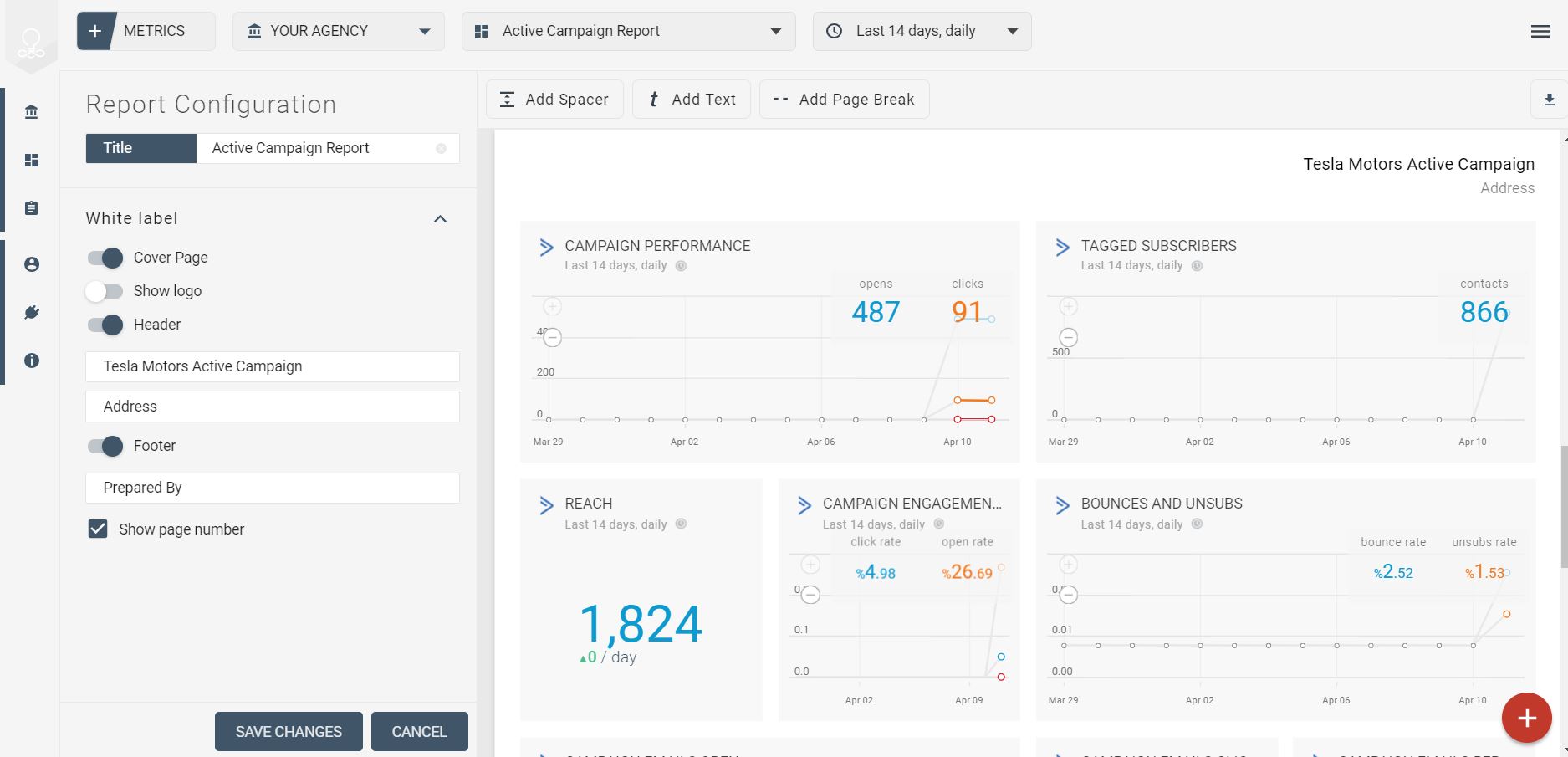
Octoboard offers a variety of useful configuration features that will help you customize your Reports. You can combine metrics from over 40 applications as Social Networks, Search Engines, Web Analytics platforms even Financial systems.
The automated report is generated within moments and is ready to be downloaded.
And that is all! Five quick steps and 3 minutes of your time, and you have beautiful reports that impress your clients and add value. Thousands of companies are already using our reporting platform. Clients are happy to pay extra for the added value of a marketing agency. Join Octoboard today - It is Free!